
Open source · PSP-1000 · Raspberry Pi · GameShell
Experiment.
Experience.
Expand.
Plug a small Linux board into your PSP's USB port. The board runs the games; the PSP draws them with its own graphics chip, plays their sound and takes your buttons. Quake, Celeste 64, Cave Story, Diablo, emulators and more, on the PSP's screen.
See it in action
Record what you play
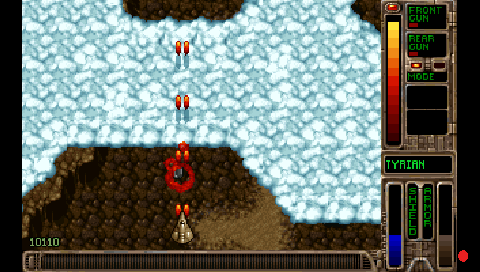
Press ♪ + L to start a recording and again to stop it. A red dot in the corner tells you it is on. The board saves the video with its sound, ready to watch on the PSP or copy anywhere.
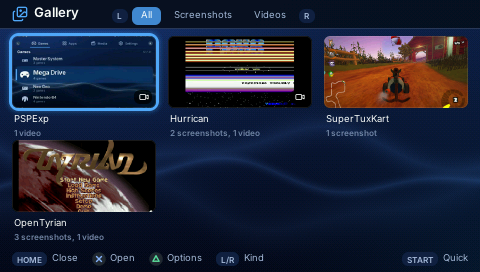
It works in everything PSPExp runs, and in your own UMD and ISO games. Turn on Clips and ♪ + R saves the last 15, 30 or 60 seconds, for the moment you did not plan. Quick controls (START) start, stop and save too, and the Gallery keeps it all, a page for each game.
Play your own PSP games from the board
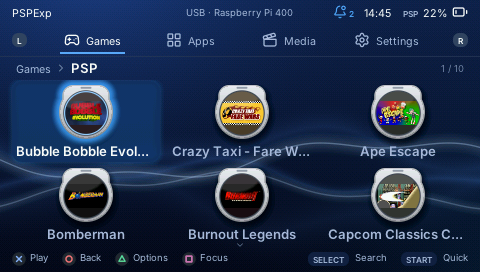
Put your PSP games (ISO, CSO or zipped) on the board, and they appear in the launcher's PSP platform with their own icons, each in its disc. Choose one and the PSP runs it itself, its disc read from the board over the cable: no copying to the memory stick. Leave the game and PSPExp is back.
They start as fast and play as they do from the memory stick; only a loading screen can take a moment longer. For PSPs with PRO custom firmware, with the PSPExp plugin switched on (Settings > PSP).
New in 1.4.0
A new launcher
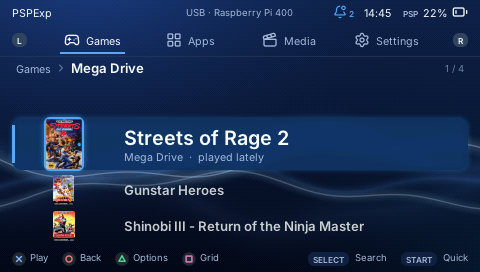
Games, Apps, Media and Settings on L and R; each platform with its box art, in a list or a grid; Game details with each game's story, year and maker.
Four more systems
Sega CD, 32X, PC Engine and Neo Geo, on the Raspberry Pi and the GameShell alike, at full speed. Bring your own ROMs and BIOS.
Quick controls
START, from anywhere: record, save a clip, notifications, the terminal, Wi-Fi, sound and battery at a glance, restart and power off.
Themes
Midnight, Crimson, Emerald, Violet, Amber or Graphite, on every screen, the PSP's own pictures too, in Settings > PSP > Theme.
What you get on the PSP
A launcher made for it
Games, apps, media and settings, with box art, game descriptions, favourites, search, themes and notifications, all on the PSP's buttons.
Games, installed from the PSP
Freedoom, Quake, Celeste 64, Unreal Tournament, Sonic Robo Blast 2, Cave Story, OpenTTD, Red Alert, SuperTux and dozens more, in two presses.
Emulators
NES, SNES, Mega Drive, Master System, Game Gear, Sega CD, 32X, PC Engine, Neo Geo, Game Boy, Game Boy Advance, Lynx, WonderSwan and, on a Raspberry Pi, the Nintendo 64, the Dreamcast, the Nintendo DS and the Sega Saturn. Bring your own ROMs.
Apps and headphones
A player for music and films (also from your media server), a file manager with the PSP's memory stick and archives, a system monitor, a Linux terminal, and Bluetooth headphones.
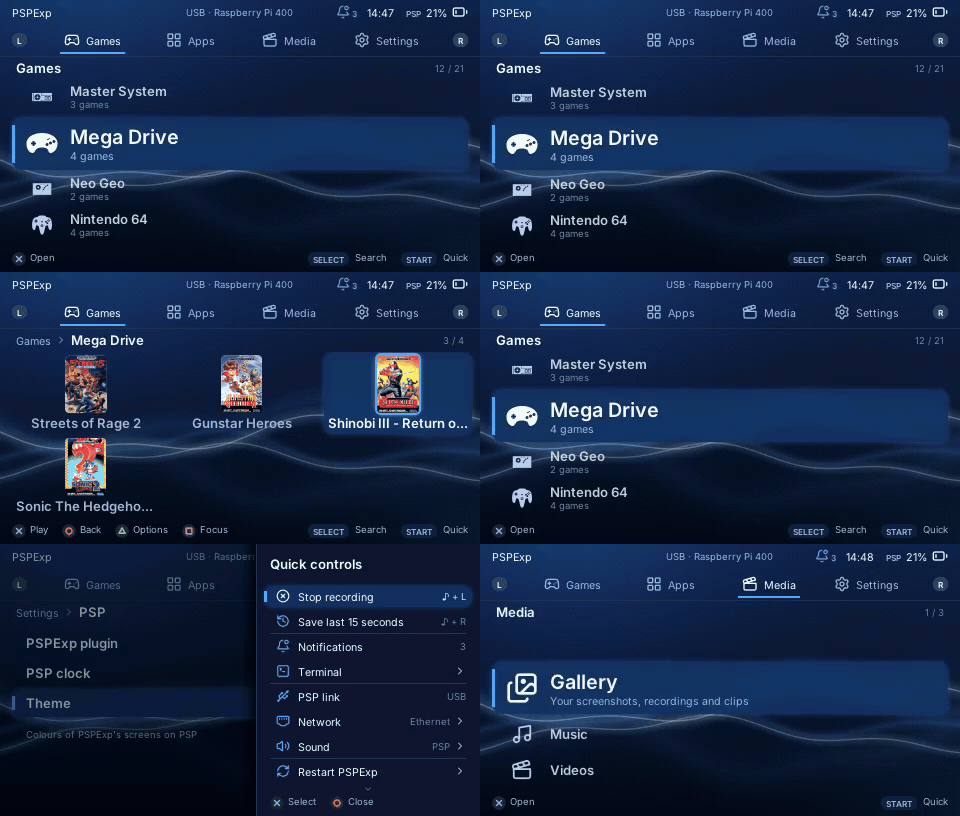
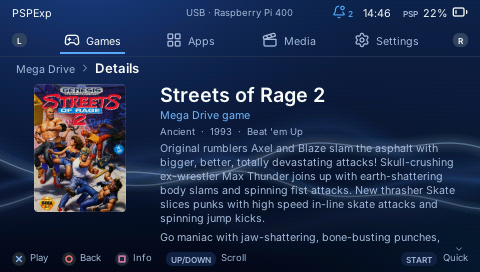
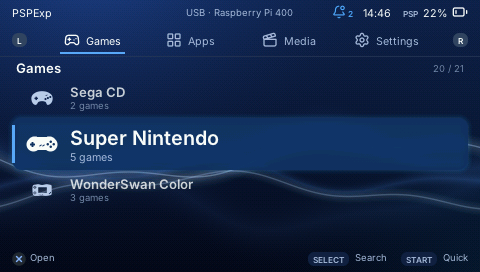
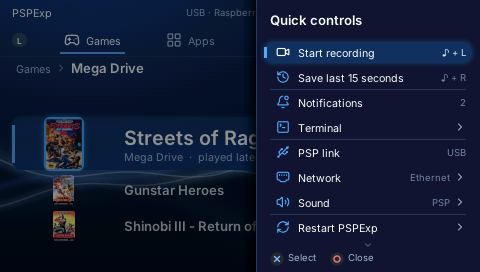
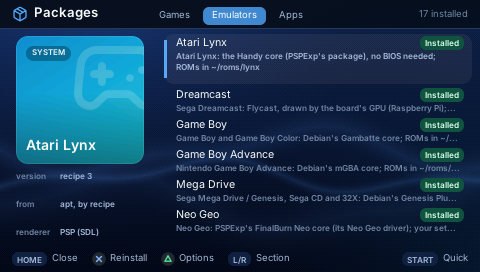
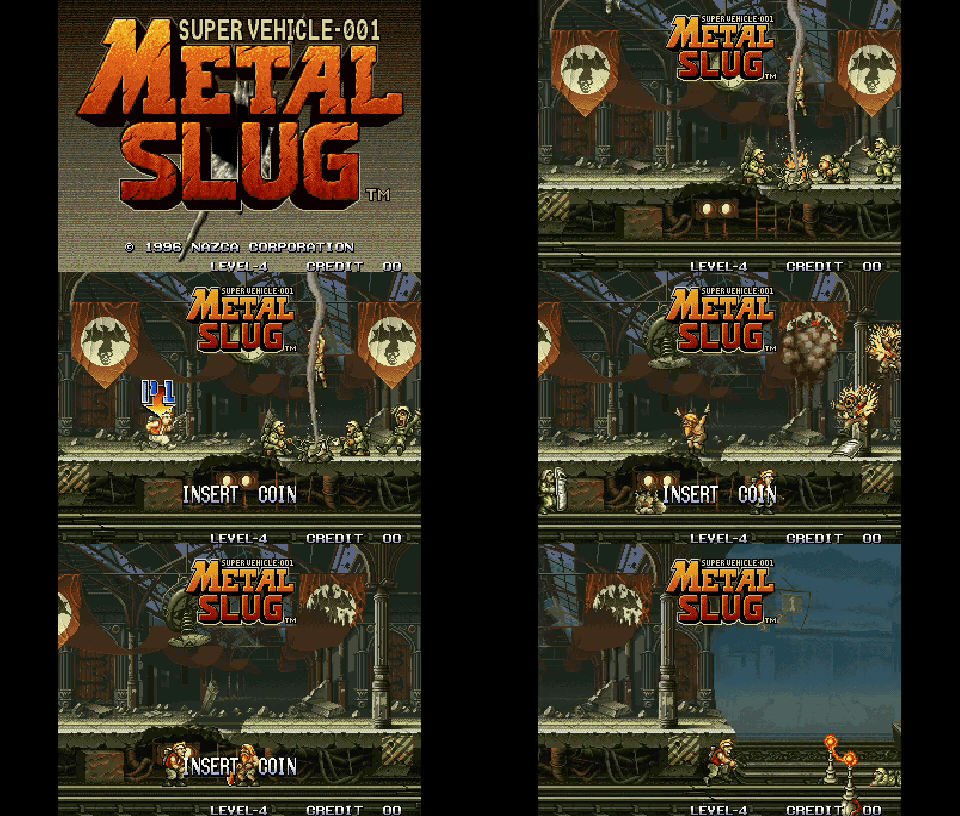
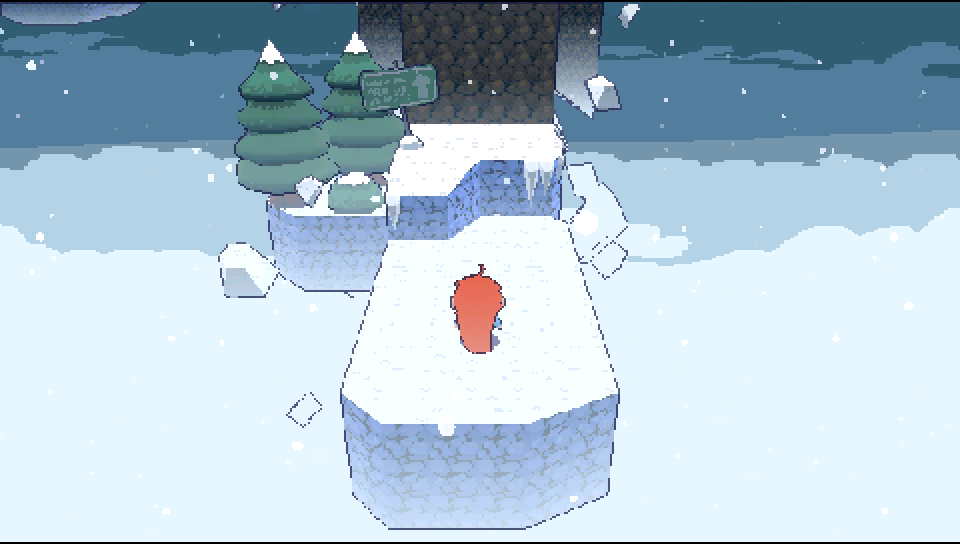
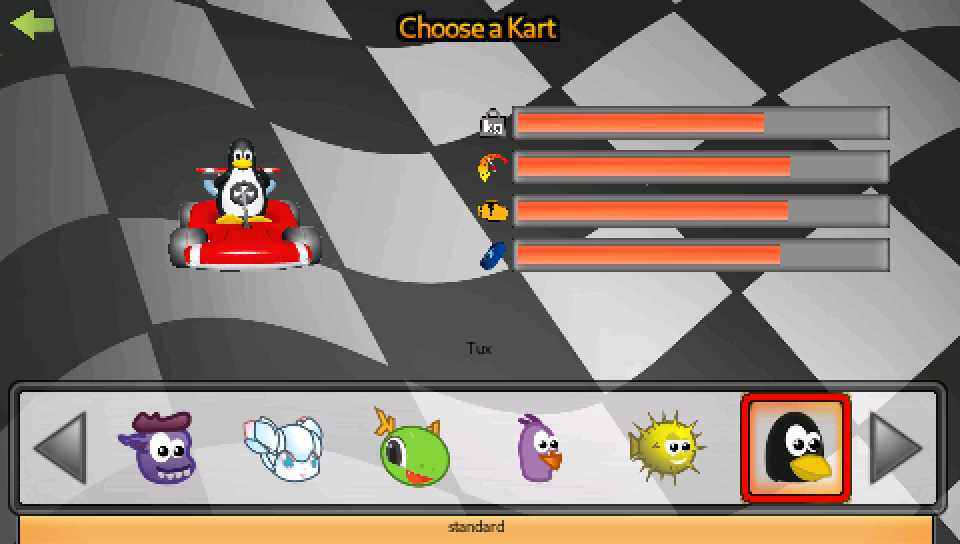
What the PSP shows, captured from the stream the board sends it.
How it works
The game runs on the board, unmodified, and draws through SDL2 or OpenGL as usual. PSPExp catches those calls and sends the PSP what to draw, not the finished pixels: textures once, then small lists of sprites each frame. The PSP's graphics chip draws them at full speed, its sound chip plays the audio, and its buttons go back to the game. Games too heavy for the PSP's chip are drawn by the board's GPU, and each frame is sent as a picture.
What you need
- A PSP-1000 with custom firmware (PSPExp loads a small USB driver).
- A mini-USB data cable.
- A Raspberry Pi 3, 4, 400 or 5, or a ClockworkPi GameShell, and a microSD card.
Boards
| Board | Games | Setting up |
|---|---|---|
| Raspberry Pi 3 / 4 / 400 / 5 | all 84 packages, 3D and the Pi's GPU included | write the card image |
| ClockworkPi GameShell | 65 packages: a pocket pair with the PSP | write the card image |
| Onion Omega2+ | 12: 2D games and emulators | for tinkerers: built from the repository |
Get started
- The PSP. Download the PSP's part from the download page and unzip it at the root of the memory stick. How
- The board. Write its card image, from the same page, with Raspberry Pi Imager or balenaEtcher.
Raspberry Pi · GameShell.
A Pi already on Raspberry Pi OS (64-bit): one command on it,
curl -fsSL https://pspexp.dev/install.sh | sh - Connect. Plug the PSP into the board, start PSPExp on the PSP, power the board on. The launcher appears.
- Play. Join Wi-Fi from the PSP, open Apps > Packages and install a game. Using PSPExp
Questions
Can it harm my PSP?
PSPExp is a homebrew program on the memory stick: it changes nothing in the PSP's firmware, and quitting it returns the PSP as it was. It does need custom firmware to run.
Which PSP models work?
It is tested on the PSP-1000. Other models have not been tried yet.
Where do the games come from?
From their authors: free and open-source games through Debian and PSPExp's package repository, and games whose authors publish them downloaded from their own pages when you install them. PSPExp hosts no game data. Warcraft I and II and Morrowind need the data of your own copy; emulators need your own ROMs.
Does the board need a screen or keyboard?
No. The PSP is its screen and controller; Wi-Fi, the time zone and updates are set from the PSP.
How does it update?
The launcher tells you when a new PSPExp is out; Packages installs it, and Settings > Update PSP puts the PSP's part up to date.
Can it record what I play?
Yes: ♪ + L starts and stops a recording, and the board keeps the video. It works in PSPExp's games and in your own UMD and ISO games; for those, switch on the PSPExp plugin in Settings > PSP (PRO custom firmware). Recording, step by step
Is it made by Sony?
No. PSPExp is an independent open-source project, not affiliated with Sony; "PSP" names the console it runs on.